Image tools
Compress, resize, convert, crop and edit images using tools built for one task at a time.

Choose a tool for your image
All available tools are grouped by what you need to do. Pick one to open its workspace.
Compress images to a target size
Reduce JPG, PNG and WebP file sizes for uploads, email and web use.
Compress ImageReduce JPG, PNG and WebP file size with adjustable quality and target-size controls.Compress to 50KBCompress an image toward a 50KB file-size limit and check the actual output size before download.Compress to 100KBCompress an image toward a 100KB file-size limit while balancing quality, dimensions and final output size.Compress to 200KBCompress an image toward a 200KB file-size limit and review the achieved size and visual quality.Compress to 500KBCompress an image toward a 500KB file-size limit for larger web, CMS or portfolio image uploads.
Resize, crop and rotate images
Set dimensions, change the frame, flip an image or round its corners.
Resize ImageResize images by width, height, exact pixel dimensions or percentage while keeping the aspect ratio when needed.Crop ImageCrop images freely or use square, portrait and widescreen aspect-ratio presets.Circle CropCreate round avatars and profile pictures with transparent PNG or WebP corners.Round CornersAdd smooth rounded corners with a custom radius and transparent output where the selected format supports it.Rotate ImageRotate images by 90°, 180° or a custom angle and preview the transformed canvas before download.Flip ImageFlip images horizontally or vertically to create mirrored or reversed orientation.
Convert image formats
Convert between JPG, PNG, WebP and AVIF without opening a desktop editor.
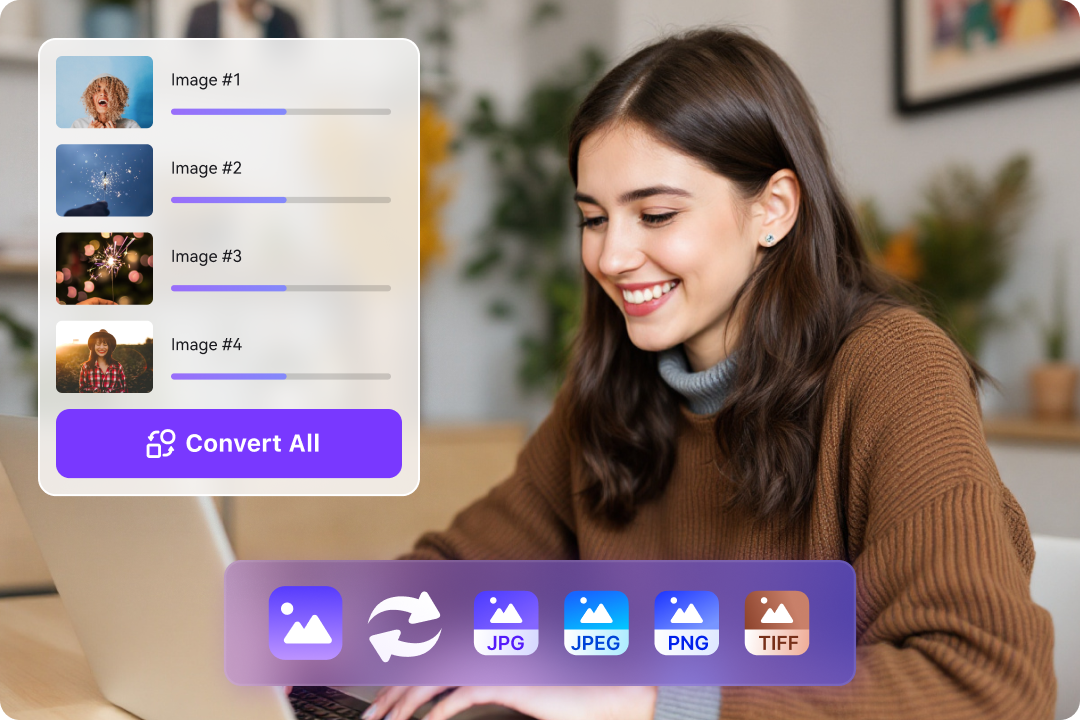
Convert ImageConvert images between JPG, PNG, WebP and AVIF with format-aware transparency and quality controls.JPG to PNGConvert JPG and JPEG images to PNG without implying that conversion restores lost source detail.PNG to JPGConvert PNG images to JPG with a selected background color for transparent areas.Image to WebPConvert JPG and PNG images to WebP for web-ready output with adjustable quality and transparency support where available.WebP to PNGConvert WebP images to PNG when you need PNG output or lossless transparent pixel storage.JPG to WebPConvert JPG photos and web images to WebP with adjustable quality for smaller web-ready output.PNG to WebPConvert PNG images to WebP with adjustable quality while preserving transparency when supported.
Remove backgrounds and improve images
Make backgrounds transparent, sharpen details, blur, enhance or convert to grayscale.
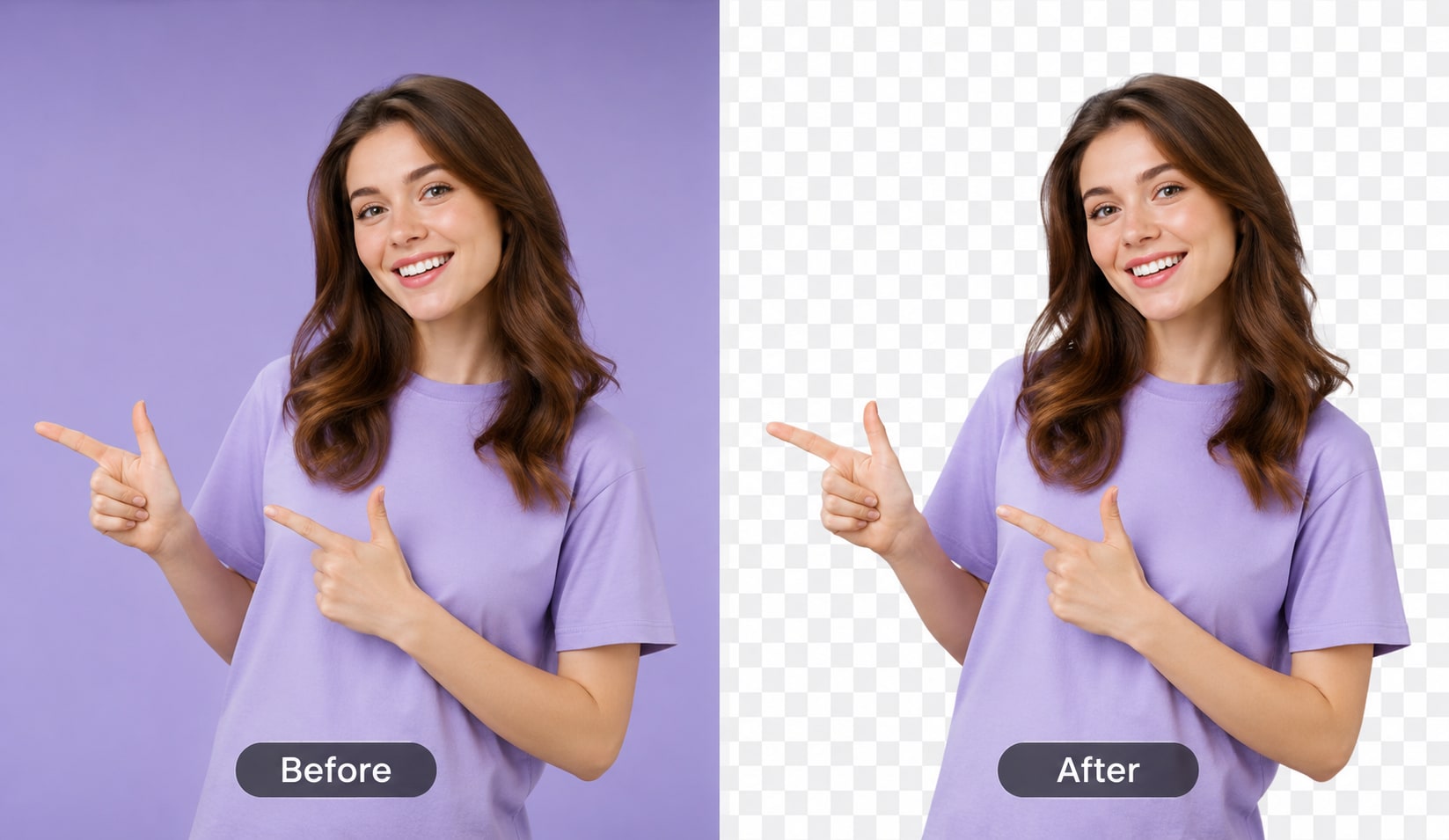
Remove BackgroundRemove image backgrounds with a browser-side segmentation model and export a transparent PNG.Make Background TransparentCreate transparent-background cutouts from product photos, portraits and graphics using browser-side segmentation.Image EnhancerAdjust contrast and color intensity with deterministic browser-side image filters.Blur ImageApply adjustable browser-side blur to JPG, PNG and WebP images.Grayscale ImageConvert images toward grayscale with adjustable effect strength and browser-side processing.Sharpen ImageIncrease local edge contrast with an adjustable browser-side sharpening filter.
Check image metadata and privacy
Inspect EXIF, GPS, resolution, color profile and authenticity signals, or remove metadata before sharing.
Image Metadata CheckerInspect image dimensions, file details and readable metadata signals such as EXIF, GPS, XMP, color profiles and Content Credentials markers.EXIF ViewerView readable EXIF signals such as camera information, capture time, orientation, software and GPS references.Remove Image MetadataRe-encode supported images to remove normal embedded EXIF, GPS, camera and software metadata.Remove EXIF DataRe-encode supported images to strip normal EXIF camera, date, software and GPS metadata.GPS Metadata CheckerCheck supported images for readable EXIF GPS latitude, longitude and related location metadata before sharing.Remove GPS From PhotoRe-encode supported photos to remove normal embedded GPS and EXIF location metadata.AI Image DetectorCheck metadata and provenance signals that may indicate AI generation without claiming pixel-level forensic certainty.AI Image CheckerReview metadata, software tags and provenance markers for possible AI-image creation or editing signals.Image Authenticity CheckerReview EXIF, XMP, software and provenance signals as a first-pass authenticity check rather than proof of origin.Edited Image DetectorCheck software, XMP and provenance metadata that may indicate an image was processed or edited.C2PA CheckerCheck supported images for C2PA and Content Credentials marker signals without claiming full cryptographic validation.Content Credentials CheckerCheck supported images for Content Credentials, C2PA and related provenance marker signals.Image DPI CheckerCheck stored DPI/PPI-style resolution metadata alongside the image’s actual pixel dimensions.Image Resolution CheckerCheck image width, height, megapixels, format and file size before resizing, compressing or uploading.Image Color Profile CheckerCheck whether an image contains readable embedded ICC color-profile markers.Corrupted Image CheckerTest whether the browser can decode an image and report basic file details without attempting file repair.
Add a watermark
Place a watermark on an image and export the result.
Working with larger batches?
Desktop apps are planned for more demanding local workflows. Browser tools are available today.